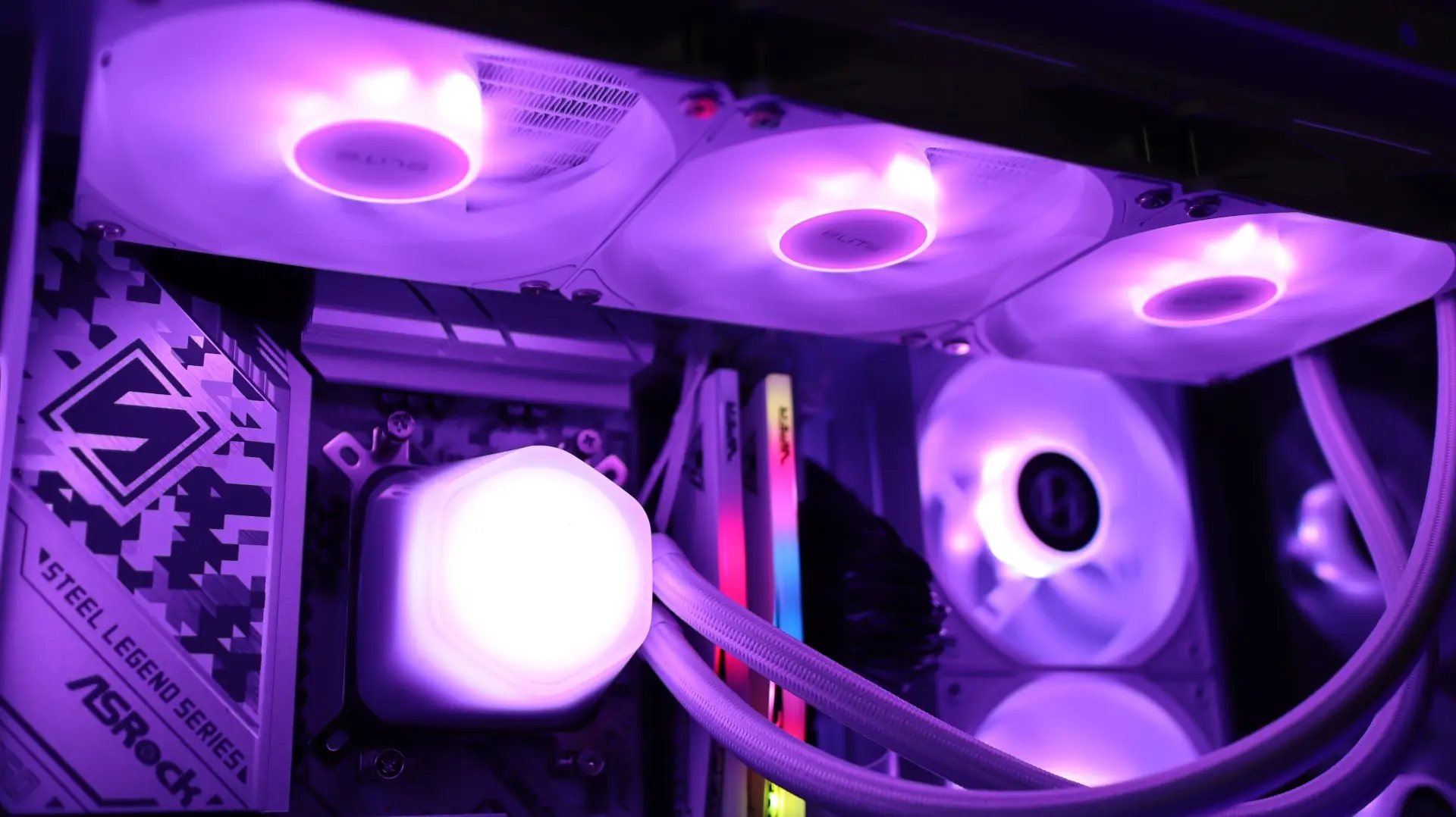
It's been almost two years since we reviewed the last all-in-one CPU cooler from Cooler Master, but everything changes with this review. Cooler Master's Elite Liquid series is available in both 240mm and 360mm sizes, and in black and white color options. With a simple look that offers a soft glow, the Elite Liquid series coolers should be a great choice for many systems. ARGB-lit fans and a dual-chamber pump design come together with a 360mm radiator for cooling tasks. After introducing the Elite Liquid 360, let's move on to the review.
Special thanks to Cooler Master for providing the Elite Liquid 360 review sample!
Cooler Master Elite Liquid 360 Specifications
Cooler Master Elite Liquid 360 Packaging
The Cooler Master Elite Liquid 360 is packaged in a minimalist cardboard box that features a sketch of the cooler's pump housing design. This is a very minimalist design and looks perfectly in harmony with the cooler itself.
On the back of the box, there is a small specifications table that provides valuable information about the cooler inside.
Inside, the cooler is held in place by a simple molded cardboard tray, and the components are protected from superficial damage with plastic packaging.
Accessories Included with Cooler Master Elite Liquid 360
Along with the Cooler Master Elite Liquid 360, there are mounting components for modern AMD and Intel platforms, as well as some organizers and marketing materials. This hardware package includes mounting brackets, fan screws, and some cables used to connect the fans to the rest of the system. Fortunately, Cooler Master also provides a printed guide to assist with the installation tasks. What is missing from the accessory package is extra thermal paste. While we appreciate the convenience of pre-applied paste, a small tube of extra paste is always a nice addition.
Cooler Master Elite Liquid 360 Overview
The Elite Liquid series coolers are available in 240mm and 360mm sizes, offered in black and white color options. The Elite Liquid 360 is a 360mm cooler, and ours is the white version; it has a quite standard entry-level AIO appearance right out of the box. For cooling tasks, it features three 9-blade 120mm ARGB fans attached to a 27mm thick 360mm radiator, and the pump housing has a round hexagonal shape reminiscent of previous Cooler Master designs.
The first component in our overview is the 360mm aluminum radiator. This radiator is quite simple in design, coated with white paint, and has no branding on the sides. The 27mm thickness is compatible with the standard size we see in most AIOs. With 21 blades per inch, the included 120mm PWM fans have sufficient average air pressure values to push air through the blade array.
The nylon braided cooling lines exit from one of the radiator's end caps and connect to the radiator with compression fittings. These lines are quite flexible, and their 400mm length is sufficient to facilitate installation.
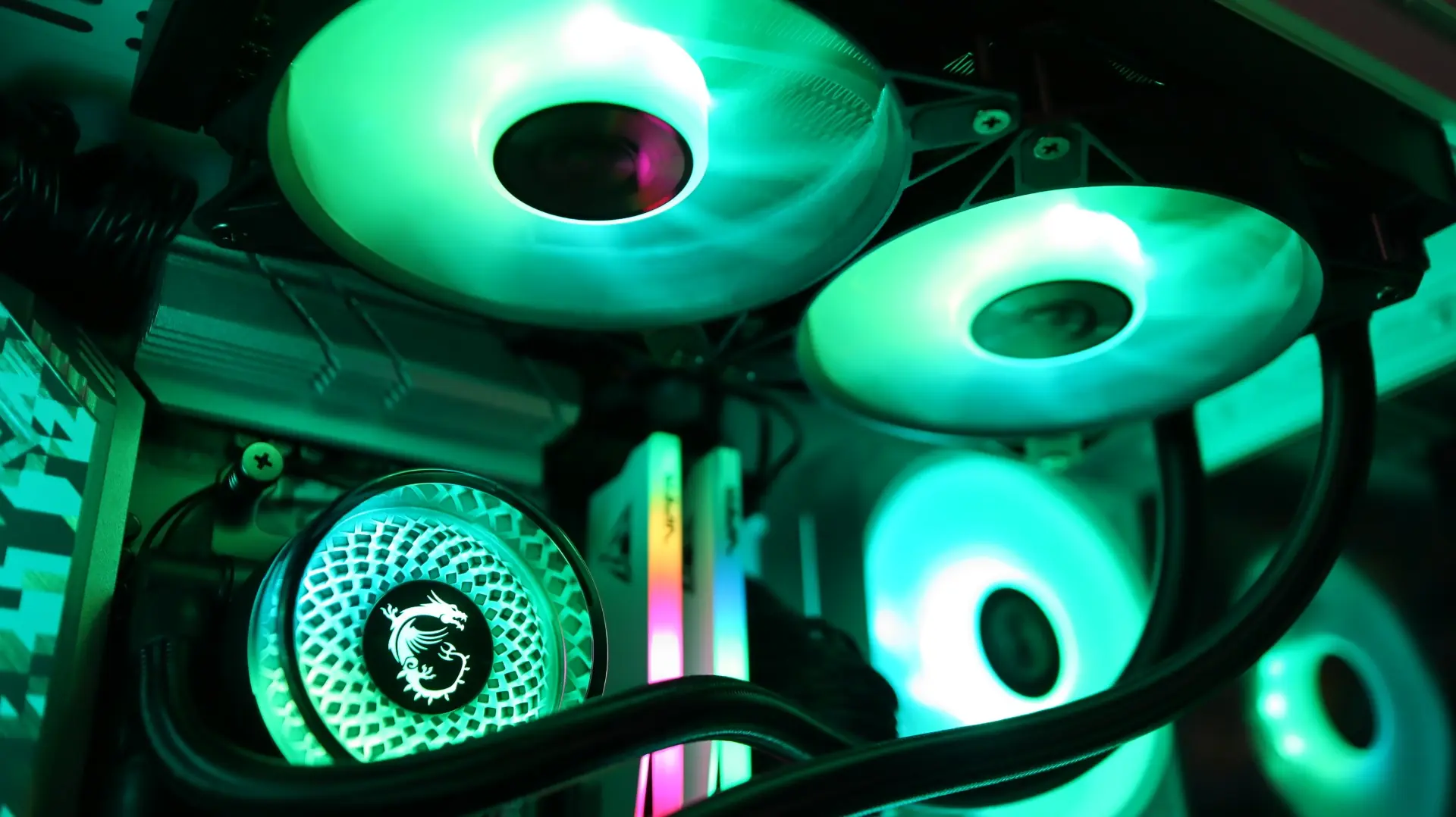
If we move on to the pump housing, we encounter a quite simple design. The round, hexagonal body is quite plain, with a transparent top cover and an area illuminated by ARGB LEDs underneath. The combination of this transparent cover and the frosted lighting area provides a soft lighting appearance both when illuminated and when not.
This transparent top cover sits slightly above the top of the pump housing, allowing the lighting area to be viewed not only directly but also from an angle. Additionally, this top cover is removable, allowing the inner lighting area to be rotated in 90-degree increments, ensuring the proper alignment of the "elite" text according to various mounting needs.
As we move to the sides, we find two cooling lines coming out from the side of the pump housing. Each line is paired with a rotating connection that makes installation and fitting much easier, visually indicating the use of Cooler Master’s dual-chamber pump design with their vertically positioned placements. The pump operates at a maximum speed of 3200 RPM, with a maximum noise level of 25 dBA.
The other sides of the pump housing lack any features, presenting a smooth surface that enhances the simple appearance of the housing. Both the 3-pin power and 3-pin ARGB cables exit from the pump housing near the two connection points for pump and LED control.
Looking at the base of the cooler, we find a large copper base mostly covered with pre-applied CryoFuze thermal paste. Again, we appreciate the pre-applied thermal paste, but an extra tube is always welcome for future installations. Additionally, here at the bottom, we can see a universal mounting bracket that allows installation on both AMD and Intel-based systems; this allows you to mount without needing to change the brackets in the pump housing.
In terms of included fans, Cooler Master has included three elite-branded 120mm ARGB fans that provide 84.2 CFM airflow at full speed of 2,100 RPM. The ability of these fans to move air across the radiator fin array should be sufficient for the job with a static pressure of 2.71 mmH20.
The rubber feet at the corners help isolate vibrations that may come from the nine fan blades; this is always a nice feature. Regarding the number of blades, the use of nine blades is generally associated with high airflow fan designs, while many AIOs use more "generic" fans with a nice mid-range specification list. There are no connecting rings on the outer edges of these fans; this typically helps direct all airflow across the radiator and prevents it from escaping along the edges of the blades.
Although Cooler Master has factory-mounted the fans to the radiator, their daisy chain capability requires a cable setup to connect all the fans to each other and to your motherboard headers. Therefore, while we appreciate the fan mounting, having to connect the fans to each other is a bit disappointing.
Cooler Master Elite Liquid 360 Installation
Like most AIOs, the installation of the Elite Liquid 360 is quite a simple process. With DIY PC building becoming more popular every day, the option of AIO liquid coolers will certainly be attractive to those looking for a more advanced system, and easy installation is a significant advantage to avoid scaring first-time builders. As I mentioned when covering the accessories, Cooler Master has provided all the necessary mounting hardware for modern AMD and Intel platforms, and there is also a physical installation guide available if needed.
Our tests are conducted in a push configuration for the fans, and since the fans are already connected to the radiator in this position, we can skip this step.
Still, we had to use the included cable bundle to connect the fans together. This is definitely not a difficult step, but we have lost the comfort we are used to with AIOs where the fans are pre-mounted and all cables are connected.
As previously mentioned, the Elite Liquid 360 comes with a universal mounting bracket pre-installed on the pump housing, so there is no need to change any mounting hardware on the pump housing for my Ryzen 7 7600X test system. Like most AIOs, the Elite Liquid 360 does not use factory AMD mounting clips to secure the cooler to the motherboard, so I had to remove the plastic mounting brackets to secure the cooler to the motherboard.
The next step is to install the standoffs onto the mounting points on the motherboard's backplate so that the included spring screws can hold the cooler properly.
Once the mounting hardware is in place, it's time to align the cooler with the brackets and tighten everything up. Using the four spring screws makes the rest of this installation quite simple. The next step is to mount the radiator on top of our case. Using the twelve included screws, align them with the appropriate mounting points in your case and tighten.
When all the hardware is in place and the cabling is complete, it's time for testing.
Gallery
Here are some images of the Cooler Master Elite Liquid 360 in action
Cooler Master Elite Liquid 360 Test
With the transition to a new test bench setup, it's time to update the list of components below. We are also trying out a new test set that includes monitoring the system both at idle and under load; this also includes monitoring fan speed and the associated noise levels.
The components used in our AIO cooling test are as follows.
CPU: AMD Ryzen 7 7600X
Cooling: Cooler Master Elite Liquid 360
Motherboard: ASRock B650 Steel Legend WiFi
Graphics Card: PowerColor Red Devil Radeon RX 580
RAM: Patriot Viper Gaming Elite 5 DDR5 6400MT/s 48GB
Storage: Patriot Viper VP4300 Gen4 PCIe NVMe 1TB SSD
Case: Lian Li Vector V100
Power Supply: EVGA G5 750W
List of coolers compared:
– Cooler Master Elite Liquid 360
– MSI MAG CORELIQUID A12 240
– ASRock Steel Legend 360 LCD
– MSI MAG CORELIQUID A13 360
– TRYX Stage
– ASRock Phantom Gaming 360 LCD
– levelplay CL 360 HUD
– MSI MPG CORELIQUID P13
Please note: As we continue to test additional AIOs on this new test bench, this table will be updated to show comparisons with additional coolers.
For performance tests, we will first test idle temperatures. This is taken on the Windows 11 desktop one hour after the system is powered on.
Idle
AIDA64 Load (CPU Only)
In addition to temperature readings between different fan speeds, we are now also adding noise output readings. This is important information that can help you find a nice balance between performance and noise output for your system. I've noticed a trend lately, and it's a good trend for consumers who don't want to spend a lot on cooling solutions to achieve good performance. Value-focused AIOs perform quite well in our tests and often compete with coolers that cost twice as much. You can't ignore the extra costs for ARGB lighting features, VRM cooling, and LCD screens, but when the main purpose of an all-in-one cooler is to cool your CPU, price doesn't always determine performance. And that's exactly what we see with the Cooler Master Elite Liquid 360. While it may not top the performance rankings, the Cooler Master Elite Liquid 360 is still well-suited to cool your CPU under standard use cases. The soft, frosted appearance of the pump housing provides a "blob-like" lighting source for your system; additionally, the ARGB-lit 120mm fans add an extra lighting atmosphere to the rest of the case. Installation is quite simple, and while we may have to connect the fans to each other, it is still highly appreciated that they do not need to be mounted to the radiator. Moreover, the value pricing of the Cooler Master Elite Liquid 360 is also appreciated; it is sold for $89.99 at our favorite online retailer, and at the time this review was published, the black version was being sold for almost half the price. The Cooler Master Elite Liquid 360 receives a score of 7 out of 10. Pros: Cons: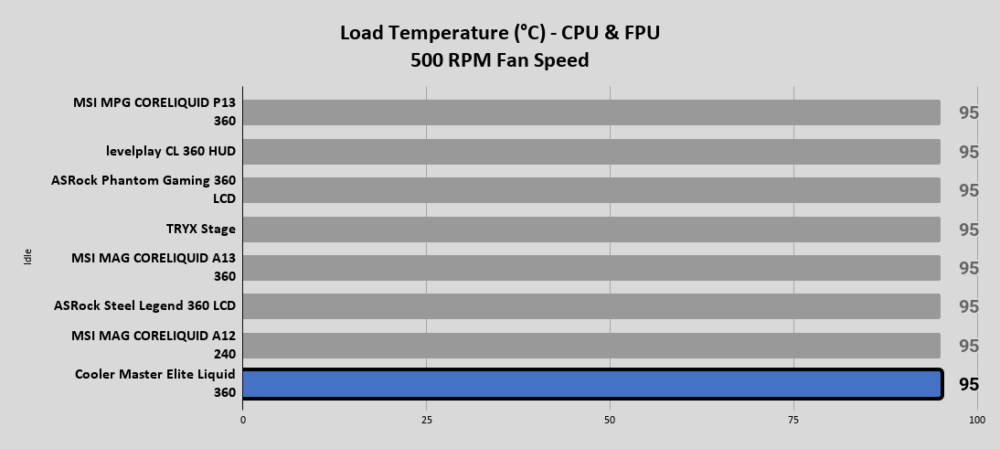
Noise Output
Final Thoughts on Cooler Master Elite Liquid 360





















Comments
(6 Comments)