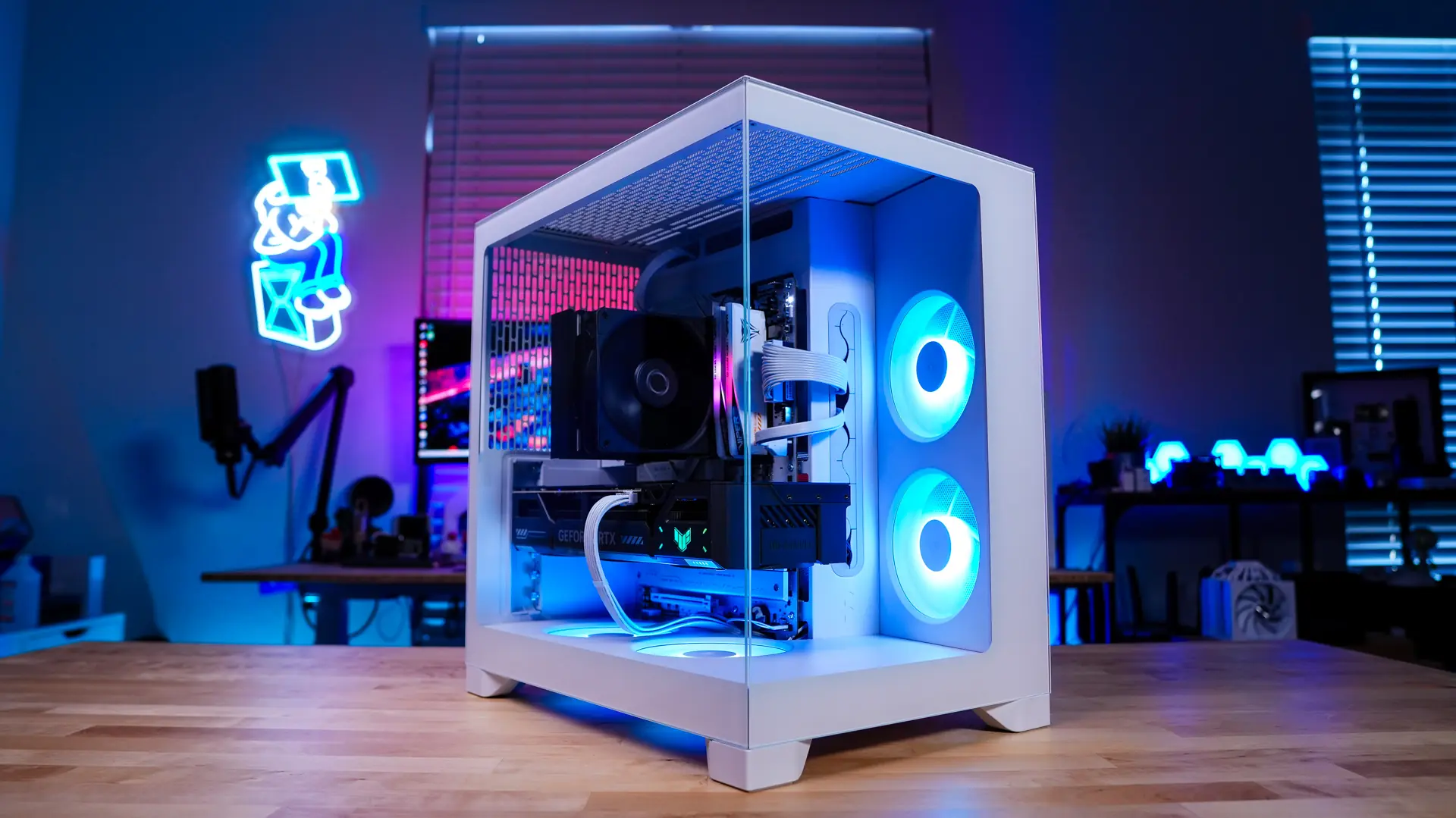
In January, Fractal Design introduced the Pop 2 Air PC Case. This case was a continuation of the original Pop case, focused on high airflow. However, Fractal Design is not done with Pop 2, as today they are introducing the Pop 2 Vision. This is a completely redesigned version of the Pop series that combines a clean aesthetic with a spacious interior. The Pop 2 Vision is a compact mid-tower case with tempered glass panels on the front and side, four included ARGB fans, a sleek design, and of course, the quality we expect from Fractal Design. Is this the case you need for your next build? Let's find out!
We would like to extend our special thanks to Fractal Design for our review of the Pop 2 Vision case.
Fractal Design Pop 2 Vision Case Features
Fractal Design Pop 2 Vision Case Packaging
The Pop 2 Vision comes in a standard Fractal Design box with the product name printed on it.
Upon opening the box, we see that the case is beautifully protected.
Fractal Design Pop 2 Vision Case Overview
Before looking at the Pop 2 Vision, let's review the different versions. At launch, Fractal Design will offer three different versions. There is a Pop 2 Vision Black, which includes black and four non-RGB fans. Then there is the Pop 2 Vision Black RGB, which includes black and four RGB fans. Finally, there is the Pop 2 Vision White RGB, which has RGB fans in a white version.
We received the White RGB version of the Pop 2 Vision. I would call this a compact mid-tower in size, which has become quite popular over the last few years as it can accommodate full-sized components but does not take up much space. The official dimensions of the case are 434 x 297 x 441 mm (HxWxD).
On the front of the case, we have our first transparent tempered glass panel. This panel allows you to view your system directly from the front. As a nice addition, there is a fabric tab with the Fractal Design logo at the bottom front of the case.
Moving to the top of the case, we have a large ventilation section along with our buttons and connections. Instead of mesh filters like other cases, Fractal Design uses a metal filter. This filter is held in place by magnets on the top of the case. When the filter is removed, we can see a cooling bracket. This bracket is designed to support three 120mm fans or two 140mm fans, and there is also space for radiators up to 360mm. Among the connections and buttons, there is a large power button, a combined 3.5mm audio jack, one USB-A and USB-C USB 3.0 ports, and two small buttons to control the RGB lighting of the fans.
On the main side of the case, there is another transparent side panel. This allows you to showcase your system completely, and you can see that there is a column-free design here. The opposite panel is a steel panel but includes ventilation for side-mounted cooling and the location for your power supply.
When we come to the back of the case, we can see the dual-chamber design. On the right side, there is a space for motherboard mounting, ventilation, and a 120mm fan. On the left side, there will be a power supply mount. In fact, there are two mounts because you can move your power supply depending on whether you use a rear-connected motherboard or not. We will provide more information when we enter the case.
Overview of the Fractal Design Pop 2 Vision Case
Getting into the Pop 2 Vision is quite easy, as there are indentations at the top of both sides at the back of the case. These indentations allow you to easily remove each panel.
Once the main side panel is removed, we can get a better view of the inside of the Pop 2 Vision. In terms of motherboard support, we support mini-ITX, Micro ATX, and ATX motherboards as well as rear-connected motherboards. There are many holes in the motherboard tray for cable routing, and it provides support for rear-connected motherboards. The area above the motherboard mount is designed to avoid any clearance issues when you install an all-in-one liquid CPU cooler here. If you're wondering about graphics card support, this case supports graphics cards up to 412mm in length.
When the side panel is removed, we can see a retractable metal filter that covers the entire case.
At the front of the case, we find two of Fractal Design’s Aspect 12X Reverse RGB fans. These fans are embedded in a cover panel to provide a clean application. At the bottom of the case, there are two more Aspect 12X Reverse RGB fans. The bottom section also includes a cover panel where the fans are embedded. This gives the case a very clean look!
When we look at the back of the case, we can see the ventilation and the slot covers with thumb screws.
When we remove the opposite side panel, we can see the rest of the case. You will mount the storage and power supply at the back of the case.
At the top of the case, there is a long storage mount. This mount supports three 2.5-inch SSDs and one 3.5-inch drive. So, out of the box, this case supports four hard drives. This bracket can be removed by unscrewing two small screws. Additionally, if you plan to mount your power supply in a higher position, it can be slid down.
Below the storage bracket is the power supply mount. You have full ATX power supply support, which is quite nice for such a compact case. When we remove the storage bracket, we can see the second power supply mount. If you plan to use a rear-connected motherboard, you will need to use the second mount and slide your storage bracket down.
There are also several Velcro ties and a cable routing hole at the back of the case. There is a rubber piece in this hole, so your cables are not damaged.
Fractal Design Pop 2 Vision Case Setup
The setup in the Pop 2 Vision is quite simple. First, we will install our motherboard. The main side is quite open and since you can remove the front glass panel, installing your motherboard is very easy. It is worth mentioning that Fractal has pre-installed the mounting feet.
After our motherboard, we install our power supply, and Fractal provided a white Ion 3 Gold 1000W unit that fits perfectly with this case! It slides into the back of the case quite easily; just remember that the fan should face you.
When we turn to the other side of the case, we install our graphics card. This case supports graphics cards up to 410mm in length, making the installation quite straightforward.
Next is storage. You can easily install your drives by removing the storage bracket. Once installed, you just need to reattach your bracket.
Before reattaching the bracket, you will need to route all your cables because the storage bracket will cover most of the back of the case. All four fans are connected to each other, but you will need to connect them to a fan header on your motherboard. Additionally, you will need to connect the 3-pin ARGB cable to the connection at the top of the case (as shown below) or to an ARGB header on your motherboard.
Once all components are installed, we achieve a very clean look on both sides of the case.
Fractal Design Pop 2 Vision Case Lighting
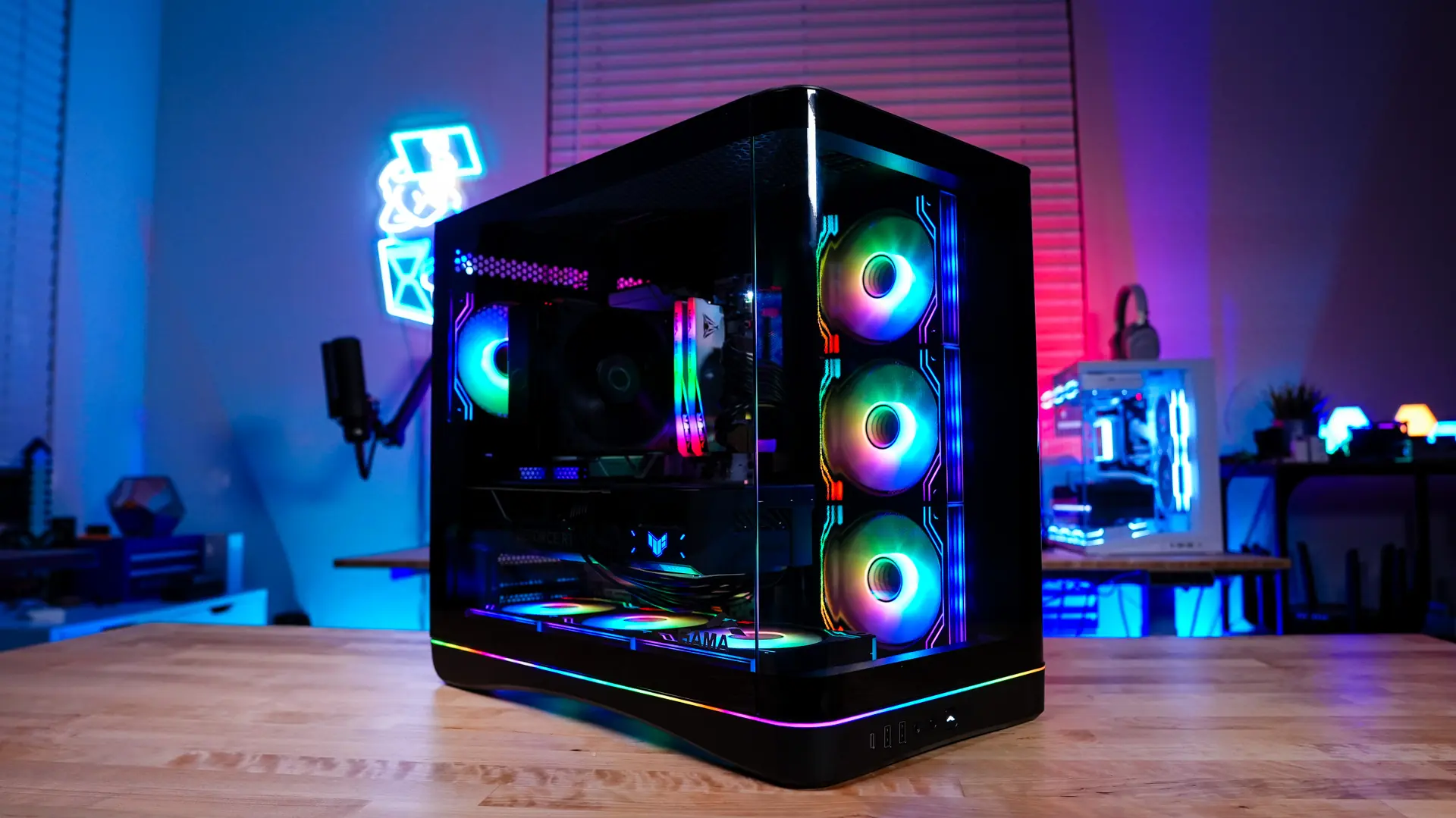
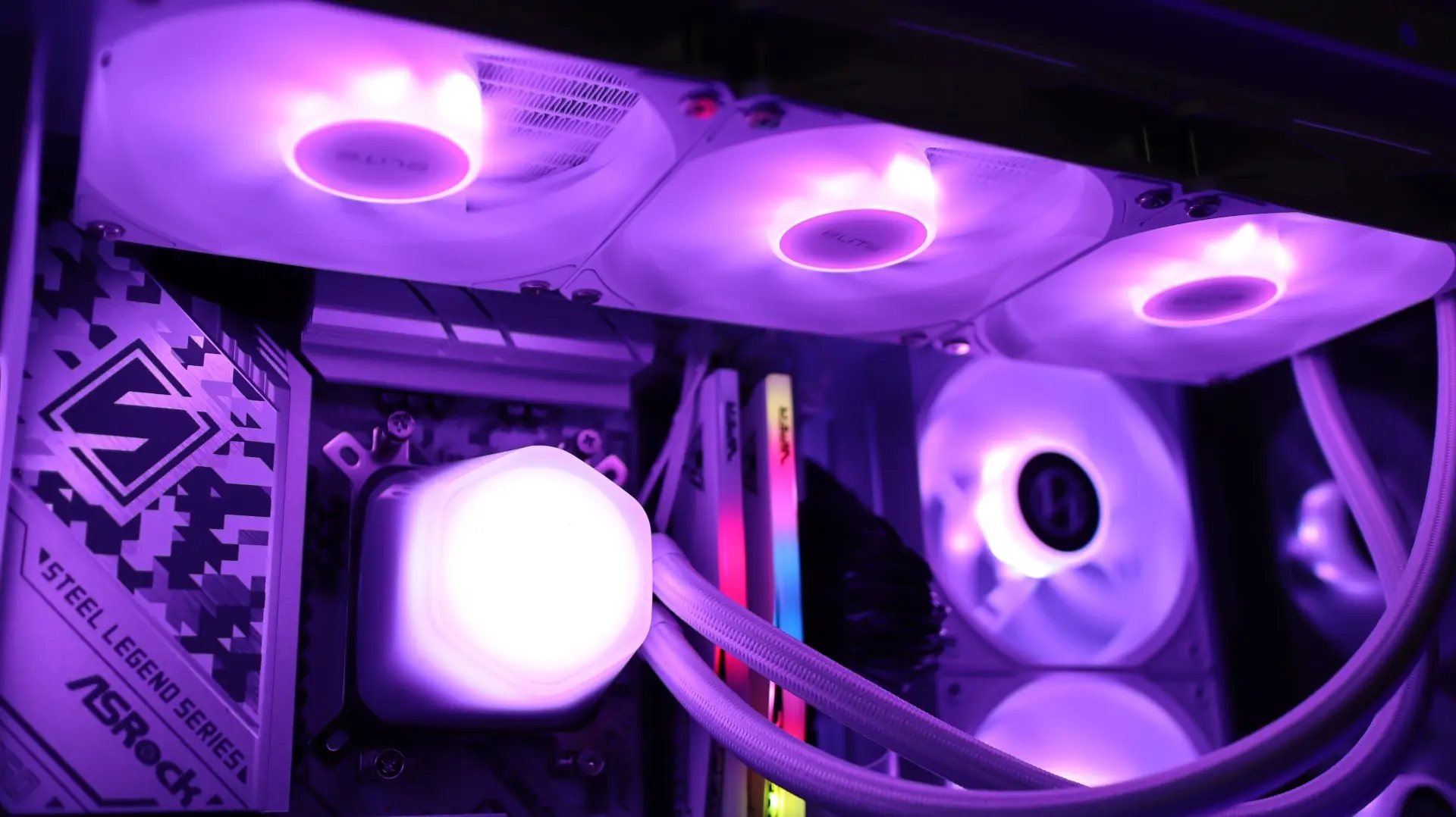
The lighting on the case, in addition to having four ARGB fans, also lights up the power button and even has effects!
At the top of the case, there are two buttons that will control the color and mode of the RGB lighting. The colors include Northern Lights, Summer Sky, Sunset, Mysterious Night, Emerald Lake, Bright Dawn, White, Slow Cycle, Frozen Slow Cycle, and Rainbow. The modes include Transition, Static color, Slow chase, slow breathing, and off. Below are some images of the lights in motion!
Fractal Design Pop 2 Vision Case Performance
Our test system for this case is based on the following components…
Processor: AMD Ryzen 5 9600X
Motherboard: ASUS ROG STRIX B850-A Gaming WiFi
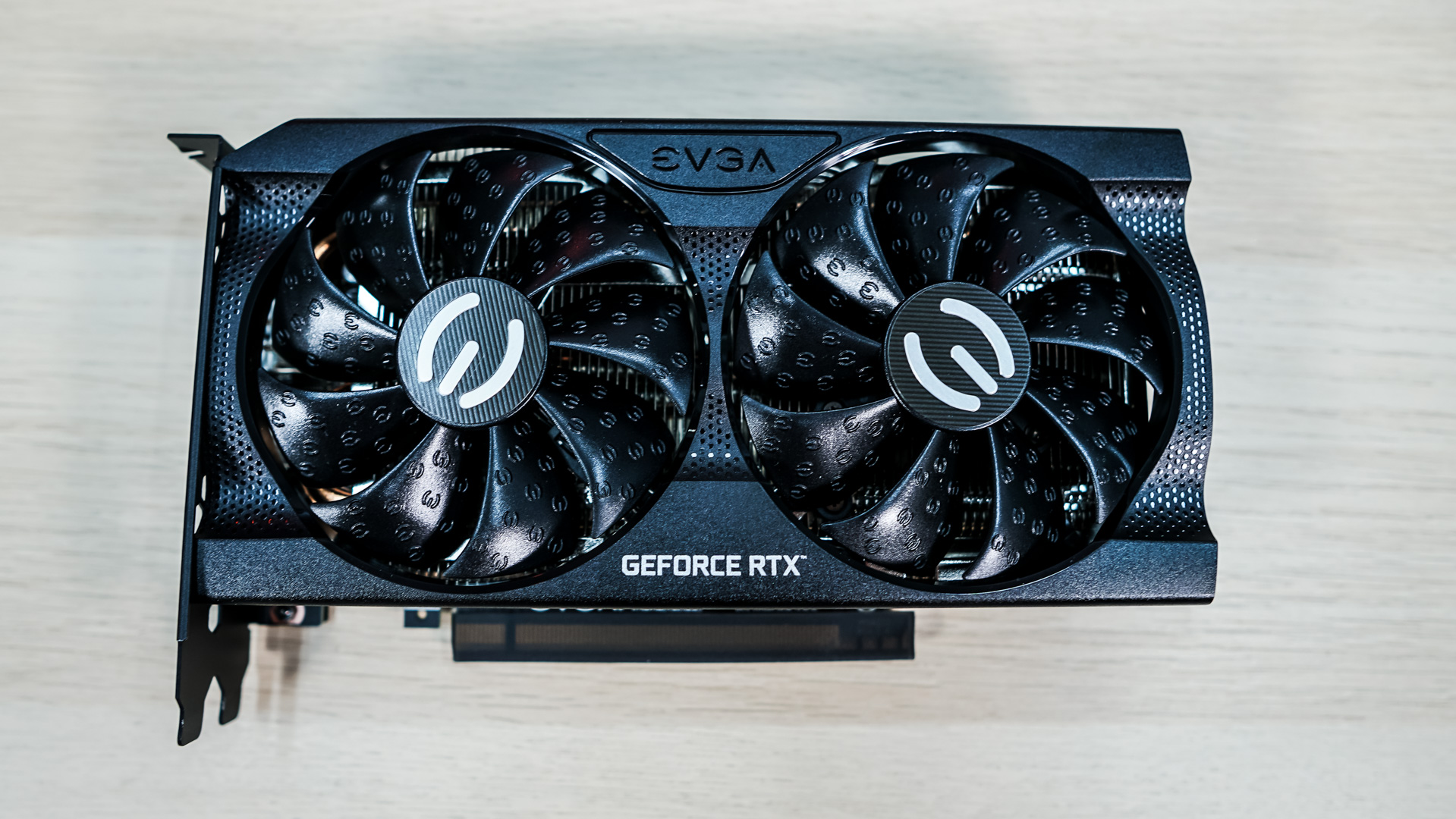
Graphics Card: ASUS TUF Gaming GeForce RTX 5070 OC Edition
Memory: Patriot Viper Elite 5 TUF Gaming RGB 48GB
Storage: Samsung 870 QVO
Cooling: Cooler Master Hyper 212 Black Edition, 4 fans
Power Supply: Fractal Design Ion 3 Gold 1000W
We will use AIDA64 to measure temperatures and a RisePro Sound Level Meter to record noise levels. At idle, we keep our system on the Windows 11 desktop, and under load, we run the AIDA64 system stability test (CPU) while simultaneously conducting a 1-hour 3DMark Stress test.
Final Thoughts on the Fractal Design Pop 2 Vision Case
The compact mid-tower has gradually become one of the most popular case styles. The main reason for this is that you can fit full-sized hardware inside while still keeping it quite compact. On top of that, you can truly showcase your system with two tempered glass panels. Over the past few years, compact mid-towers seem to have really improved, and looking at the Pop 2 Vision, what I see is a refined compact mid-tower.
Let's talk about style first. With tempered glass panels and a columnless design, you provide your system with a perfect look from almost any angle. Additionally, the case has two cover panels on the bottom and side mounts. These panels ensure that the included fans are recessed, providing a generally very clean appearance. They also help to hide extra cable clutter.
Out of the box, this case comes with four Fractal Design Aspect 12X reverse RGB fans. This means you won't need to buy any fans at least initially. Of course, you can later add a rear exhaust fan and top fans. It's worth noting that the top mount is large enough for a 360mm radiator, so you can set up an all-in-one liquid CPU cooler and be ready! The included fans are not PWM but DC and will only operate at 1650 RPM, keep this in mind.
I really liked that the included fans are ARGB and that Fractal Design added a controller with two buttons at the top of the case. This allows you to change colors and modes, and there are quite a few options. This eliminates the need for bulky RGB software and makes RGB setup quite easy. Of course, you can pass the ARGB signal to your motherboard for software control. It was a bit strange that the fans were not connected to the ARGB controller by default because I had to plug them in during setup.
In terms of hardware support, you support full-sized ATX motherboards (including rear-connected motherboards), ATX power supplies, long graphics cards (412mm), and even four hard drives. There are not many compromises here, which is something I sometimes encountered in other compact mid-tower cases.
Fractal Design will launch the Pop 2 Vision RGB models at a price of $99.99, while the RGB-free Pop 2 Vision Black will be $89.99. These prices are quite good! ThinkComputers rates the Fractal Design Pop 2 Vision Case 9 out of 10 and receives the Recommended Award!
Pros:
– Stylish design with built-in fans
– Four included ARGB fans
– Back-connected motherboard support
– Support for long graphics cards
– 4 hard drive support out of the box
– Easy to install
– Price
Cons:
– Fans are not PWM
– Fans are not connected to the ARGB controller by default
– USB ports are only 5Gbps





Comments
(10 Comments)